Check what the child can already do
Before starting, ask the child to suggest or read a familiar four-letter word. If typing is the difficult part, offer to enter the letters they choose. If reading the word is the difficult part, say it together before deciding whether that spelling belongs on the board.
You do not need an independent reading test or a target score to begin. One shared round can show whether the rules make sense. If the child needs help with both the word and every color, stay cooperative instead of adding the pressure of an individual match.
Ask one question about the returned tiles
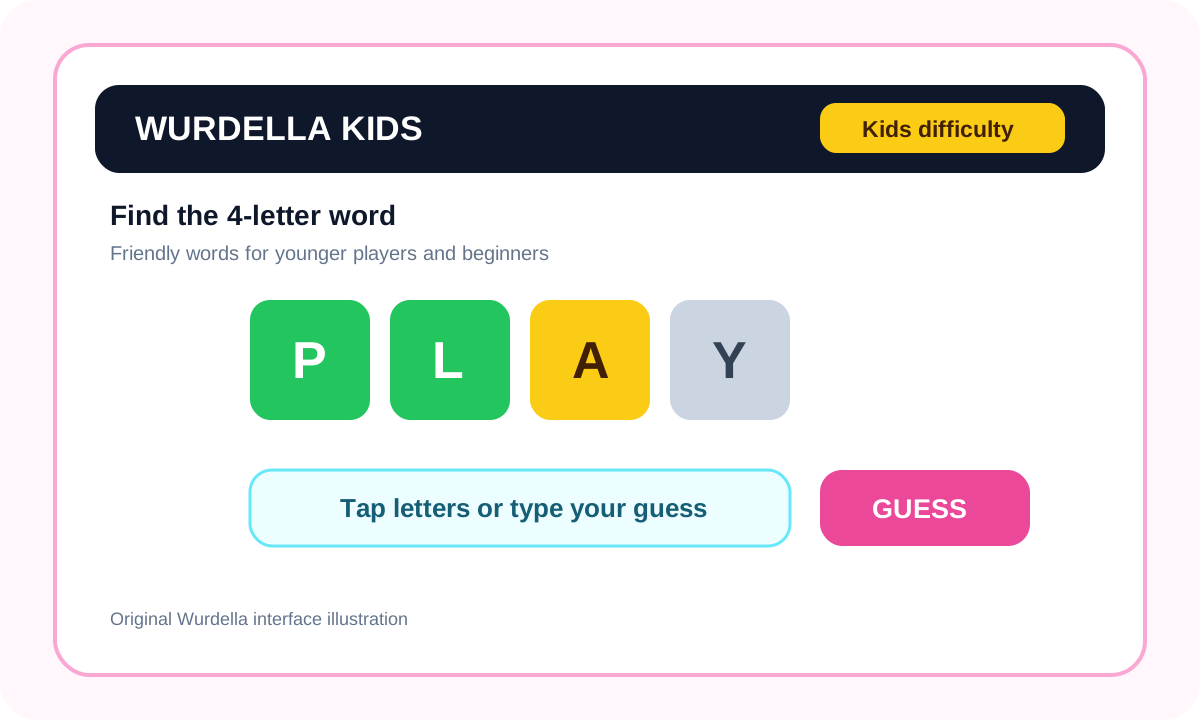
After a guess, choose one tile and ask what it tells you. For a green, ask which letter stays in that square. For a yellow, ask where that letter cannot go next. For an incorrect tile, ask whether the next suggestion uses a letter the board has ruled out.
Keep repeated-letter cases separate when they appear: a gray extra copy does not always ban the letter entirely. It is fine to say that you need to inspect the two copies together. Explaining one example clearly is better than asking the child to memorize every exception before playing.
Help with the obstacle instead of taking over
If the child can explain the board but cannot think of a word, offer two spoken possibilities and let them check which fits. If they know the word but cannot spell it, ask them to say the letters they are sure about before supplying the missing part.
Leave time for an answer. Adults often mistake a quiet pause for a request to take control. Ask whether help would be welcome, and accept a guess that follows the evidence even when you can already imagine a stronger one. The child needs room to make an actual decision.
Try a short session with a clear ending
Agree on one or two rounds before starting. In the first, read the tiles together; in the next, let the child lead the explanation and decide when to ask for help. Stop earlier if the puzzle becomes frustrating or the conversation stops being enjoyable.
Afterwards choose one word, not an entire list, to remember. The child can explain it, say it in a sentence or spell the troublesome part from memory. Pick whichever task fits that word. There is no requirement to turn every result screen into a lesson.
Choose help and difficulty without making them rewards
A clue can help when vocabulary is blocking the round, but first check whether the child understands the evidence already visible. Explain that using help changes the game’s points. For a supported session, a lower score can be a reasonable trade for a clue that makes the word understandable.
Move to a five-letter difficulty only when the child wants a longer pattern and can follow the existing color rules. Returning to four letters is also a valid choice. Difficulty is a setting for the session, not a statement about how clever or grown-up a player is.
Keep the session private and easy to leave
Use a shared guest session if you simply want to try the puzzle together; a child does not need to create an account for that local play. Guest progress belongs to the browser, so avoid promising that it will follow the child onto another device.
Check the safety and word-list information below, and report an answer or clue that seems unsuitable. Definitions and pronunciation can help when available, but neither replaces an adult’s judgment about unfamiliar language. For a whole-class session, use the classroom plan rather than trying to run this one-to-one routine with thirty learners.